Where's My Drive new team

Create a studio account — takes a minute. 14-day free trial.

Error

By creating an account you agree to the Terms and Privacy Policy. No card needed for the trial.

Where's My Drive
Team sign-in
You've been invited to join a team. Sign in if you already have a Where's My Drive account, or create one below — it'll connect to the invite automatically.
Incorrect email or password
Forgot password?
No account? Create a team
Try the demo without signing up
Where's My Drive
Choose a new password
Error
← Back to sign in
Where's My Drive
Drive scanned — enter the team PIN
Incorrect PIN
Sign in with email (admin)
Where's My Drive

This code wasn't recognized. The sticker may have been removed or reissued.

Where's My Drive
Loading invitation…

invited you as .

Where's My Drive
view-only mode
Home
Account
PIN for quick view
Team
Refer a studio
Switch theme
Refresh data
Log out
You're exploring a demo studio — changes here aren't saved. Start my 14-day trial →
Navigation
▦ All drives 0
Drives
⌕
⌕
Enter a drive, folder, or file name

Drive status

Set manually after inspection
💚
Good
⚠️
Watch
❌
Problem

New drive

Plug the drive in, pick it, and it's catalogued in one go
📂 Pick the drive to scan
Chrome/Edge · folder and file names only, nothing is uploaded · optional — you can scan later
500 GB1 TB2 TB4 TB5 TB8 TB12 TB16 TB20 TB
Portable HDD
WD, Seagate
Portable SSD
Samsung T7
Desktop HDD
With power supply
USB Flash
Transcend, USB-A
NVMe / TB
Thunderbolt
Other
Any

Drive label

Color-code this drive your own way

Scan disk

Select the root folder of the external drive — Chrome/Edge
Select the drive folder
File System Access API · read-only · no files are uploaded

—

Print and stick on the drive
QR
How to print this sticker
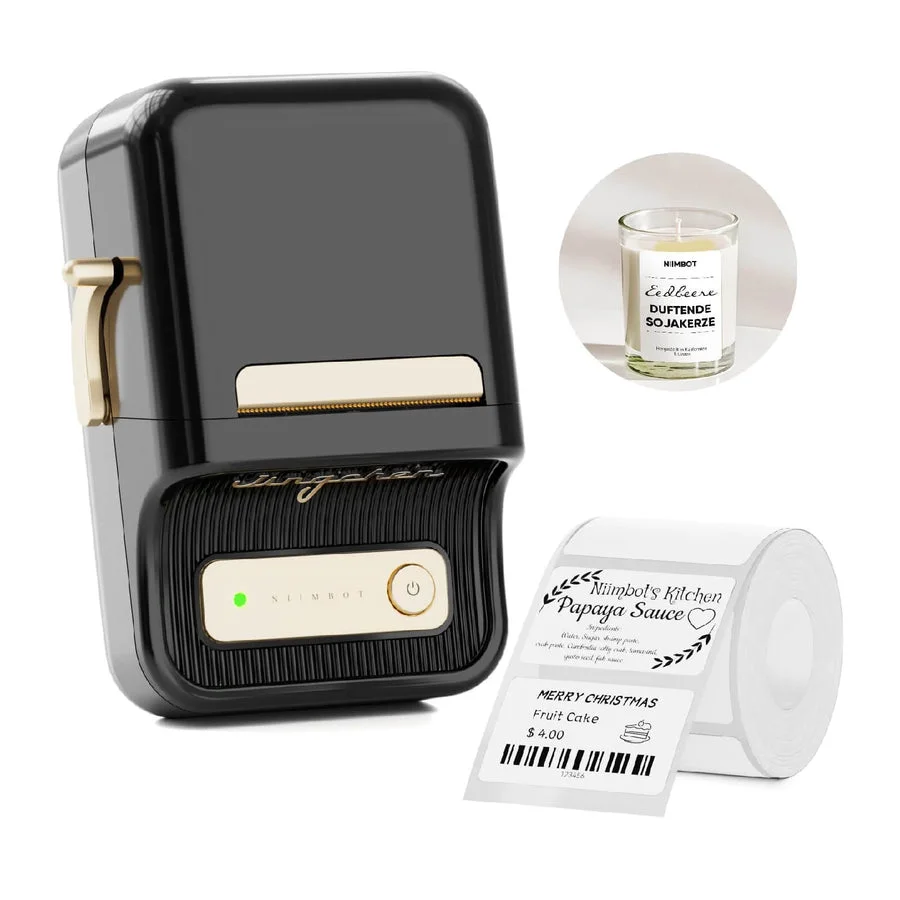
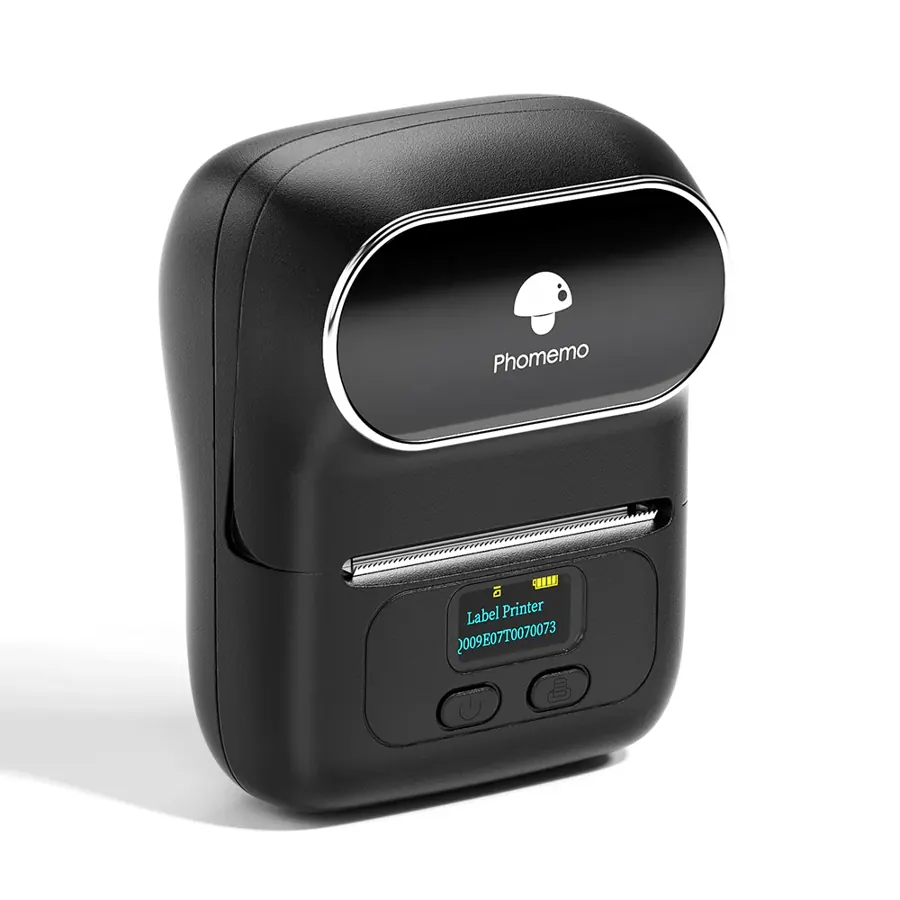
1Label printer (NIIMBOT, Phomemo, Brother…): click ↓ PNG, open the printer’s app, start a 50×50mm label and insert the image edge to edge.
2Printer with a driver: click Print, pick the printer, paper size 50×50mm, margins None, headers & footers off.
3Office printer: use Print all labels on the drive list — every drive on one A4 sheet.
NIIMBOT B21 Phomemo M110 Which label printer? Compare →

Account

Who you're signed in as, and which team
Team
—
Your role
—
Error

Team

Who's on this team, and what they can do
Loading...
Pending invites

Trash

Deleted drives — the sticker starts working again the moment you restore one
Loading...

Invite a teammate

Viewers are free and unlimited — only editors need a paid seat
👁
Viewer
Free — search & browse only
✎
Editor
Paid seat — add & scan drives
🛠
Admin
Paid seat — manages billing & team
👑
Owner
Paid seat — full control
Error

PIN for quick view

Shared team PIN — entered once on the phone when scanning the QR code, grants view-only access (no editing)
Checking status...
Only the team owner or an admin can set or change the PIN. Ask one of them for the current PIN, or have them open this menu to change it.
Error
Changing the PIN immediately revokes access on all devices that had the old PIN — they'll enter the new one on their next scan. Owners and admins can look it up again any time with Show PIN.

Refer a studio — get a free month

When someone subscribes to a paid plan via your link, you both get a free month.
Loading your link...

Plans & billing

Every plan includes unlimited free viewer seats — you only pay for people who add and organise drives.
Monthly Yearly save 20%
Solo
One user, unlimited drives
$9.60/mo
Studio
Up to 5 members, shared notes, your logo on QR stickers
$23.20/mo
Studio Plus
Unlimited members, your logo, priority support
$47.20/mo
Secure checkout by Paddle (our reseller) · taxes included · cancel anytime
Something went wrong

Print all labels

One A4 sheet per ~20 drives, any office printer